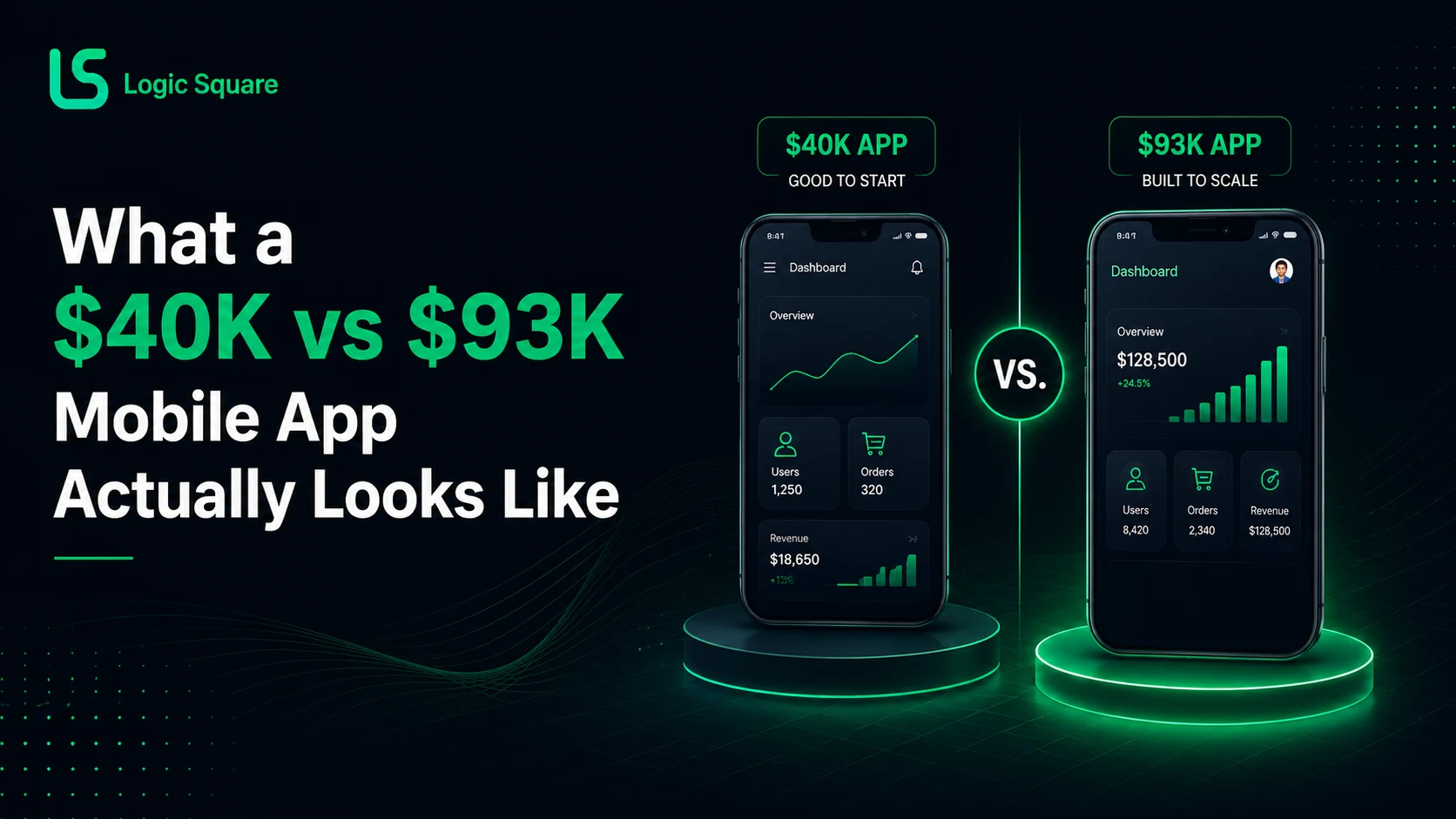
Quick answer: Two of our recent full builds: $40,000 for backend, web, and mobile apps, and $93,000 for backend, web, and native iOS and Android. One overran its hours and one didn’t, and the difference was when scope changes surfaced. Year-one maintenance runs about 20 percent of build cost. Plan for it up front.
On this page+
How much does an iOS and Android app cost?
For the two comparable full-product builds discussed here, our delivered budgets were approximately $40,000 and $93,000.
For costs across MVPs, web platforms, mobile products, and ongoing maintenance, explore our complete custom software development cost guide.
The difference was driven less by the mobile screens themselves than by backend complexity, scope, whether the apps were native or cross-platform, and how much functionality had to be built around the apps. Anyone quoting “an app” without asking about the backend is quoting the visible third of the project.
A scalable mobile product is usually part of a larger customer-facing platform that connects the app, web interface, backend, data, and integrations.
Two projects, one lesson
Vayco Plus: scoped at about $40,000 and 800 hours for backend, web, and mobile. It took roughly 950 hours because of scope changes and ambiguity. The price didn’t move, because it was fixed price and we had committed; we absorbed the 150 hours. The lesson for buyers is that a fixed-price commitment transfers scope risk to your development partner, and a partner who has been burned by that will scope you harder up front. Let them. That rigor is protecting your number too.
StatClub: about $93,000 for backend, web, and native Android and iOS development. Delivered within budget, and not by luck: most scope changes were identified during design and prototyping, when changing things costs conversation instead of rework.
One more mobile-specific reality: store review. One launch we expected to take a week took closer to two because of Apple’s review process; another sailed through. Build a buffer into any launch date you promise anyone.
The costs inside mobile app development cost
Devices. iOS has a comparatively finite device matrix. Android has thousands of configurations, so honest Android testing means a representative matrix across major manufacturers and flagship, mid-range, and budget devices. Anyone promising universal physical-device coverage is promising something nobody delivers.
Push notifications are generally straightforward with Firebase Cloud Messaging, with some iOS-specific handling.
Offline capability is architectural, not a feature toggle. Some of our field-operations builds needed full offline-first behavior with background synchronization. Another product needed only basic offline support, and its budget rightly didn’t justify a deep sync architecture. A third needed none. The question is what your users’ actual connectivity looks like, not what a feature checklist says.
Flutter, React Native, or native: when cross-platform is the wrong call
Flutter and React Native are strong choices for most business applications, and they’re our default recommendation; cross-platform development can also help keep comparable scope nearer $40K than $93K, depending on the requirements. Native became necessary for us twice, for specific reasons: one product needed audio call recording and call-state capture that React Native couldn’t handle well, and a creator platform’s very large video uploads needed compression and processing that pushed past cross-platform comfort. The point is not that native is better. It is that the requirements that force native are identifiable before you choose a framework, if someone asks.
The mobile app maintenance cost to write down: 20 percent
Our standard maintenance model is 20 percent of the original build cost, billed annually; a quarterly option runs 6 percent per quarter, which annualizes higher (24 percent) in exchange for smaller payments. Coverage: dependency updates, OS compatibility, store requirement changes, security patches, bugs, monitoring, and small improvements, with prepaid hour blocks available for variable needs. Mobile apps age faster than web apps because two operating systems and two stores keep moving underneath them. On the annual model, a $60K app is a $72K first-year decision. Budget it that way and year one holds no surprises.
FAQs
Why did one project overrun hours and the other not?
Timing of change. Prototyping surfaced StatClub's changes before code; Vayco's arrived during it.
Do I need native iOS and Android apps?
Usually not. You need native when device-specific capabilities, heavy media processing, or unusual background behavior are core to the product. Name those requirements first.
What does mobile app maintenance include?
Updates, compatibility, store requirements, security patches, bugs, monitoring, small improvements. Not new features; those are scoped separately.
Budgeting a mobile app? Send the idea; we’ll return a scoped estimate and flag anything in it that forces native.
For an initial budget range, enter your requirements into our software cost calculator.
Work with us