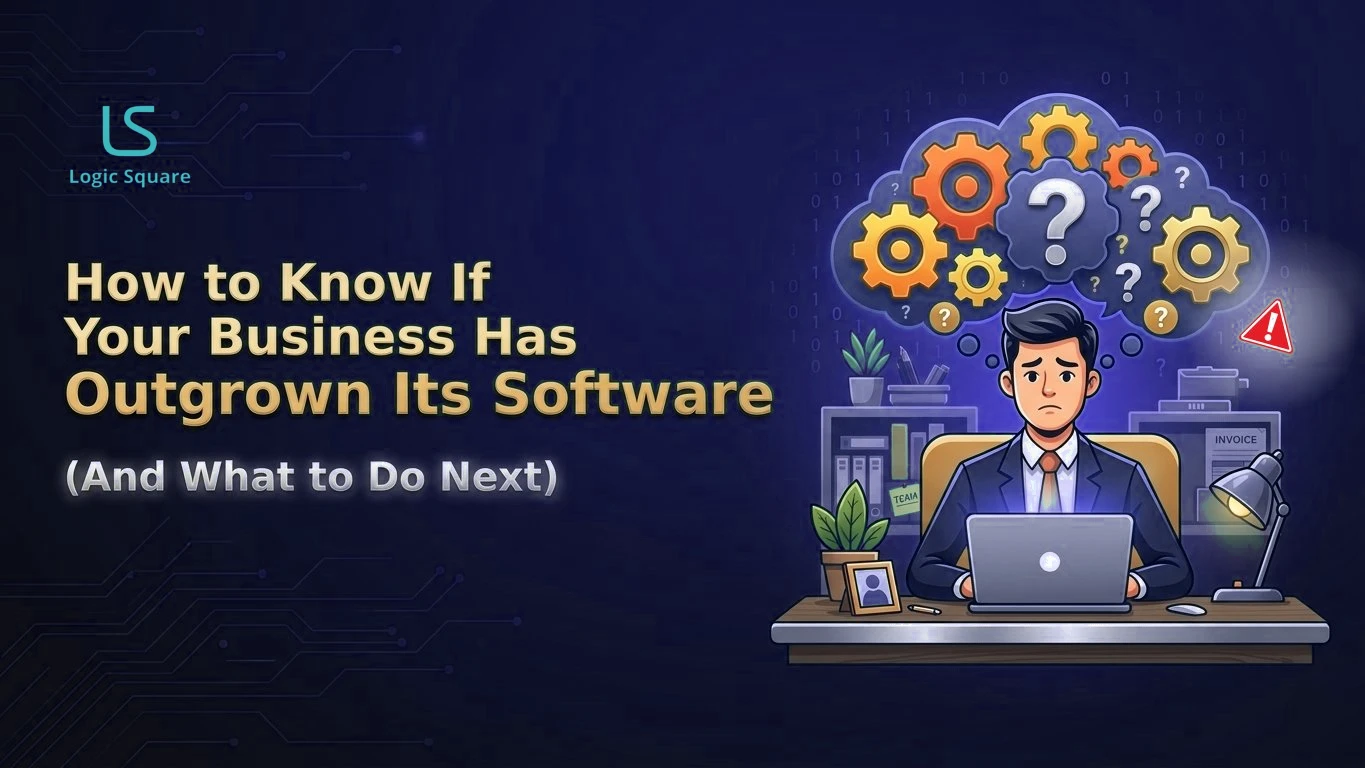
Businesses rarely notice the exact moment their software becomes too small. They notice the workarounds: spreadsheets beside the CRM, staff retyping the same data into a second tool, exports rebuilt every Friday, and a founder who has quietly become the integration layer between systems that do not talk. If any of that sounds familiar, the diagnosis is already done. Your business outgrew software it once fit. The useful questions are what the workarounds are costing you and what to do about them, and neither answer is automatically “build something custom.”
Workarounds are the real system
Here is the reframe that makes the whole problem legible. The workarounds are not exceptions to your system. They are your system. The spreadsheet that tracks what the CRM cannot is where the actual process lives. The person who re-keys orders between tools is performing an integration, manually, at salary rates, with human error rates. The Friday export ritual is a batch job that happens to run on a person.
Once you see it that way, you can inventory it. Walk each core process and write down every point where the software’s version of the process and the real process diverge. Where does data leave the system into a spreadsheet? Where does the same fact get entered twice? Who holds knowledge in their head because no tool has a field for it? Which steps exist only because the software demands them?
That inventory is the specification for whatever you do next. It is also, uncomfortably often, the first time anyone has written the real process down.
The founder as integration layer
One pattern deserves its own name because it is so common and so expensive. In growing companies, the founder or one operations lead becomes the human middleware: they know which system is right when two disagree, they carry context between tools, they approve the exceptions. It feels like diligence. It is actually a scaling ceiling with a person’s name on it. Every process that routes through one head caps at that head’s hours, and the company’s most expensive judgment gets spent on data reconciliation. When we audit operations for clients, this is the finding that changes the conversation, because it converts a software annoyance into a growth constraint the leadership team can feel.
Costing the friction without inventing numbers
You do not need industry statistics to cost this. You need four internal numbers, all measurable in a week: hours per week spent on duplicate entry and manual transfers, priced at real loaded rates. Error incidents traceable to re-keying or stale spreadsheet data, priced at their cleanup and customer cost. Decisions delayed because reporting takes days to assemble. And the hiring plan line where the honest job description is “person who moves data between systems.”
Run those numbers over a year. For most companies past a certain size, the total stops looking like a software inconvenience and starts looking like a department budget. That is the number your next decision should be weighed against.
Consolidate, customize, or build
Outgrown software has three exits, and they should be tried in order.
Consolidate. Sometimes the problem is not that any tool is too small but that there are nine of them, overlapping, each holding a slice of the truth. Cutting the stack down and picking one system of record per domain removes friction without writing a line of code.When departments purchase or create their own tools because the central system does not fit their workflow, the result is often shadow IT. Learn why the hidden cost of shadow IT is a signal of unmet operational needs, not simply a governance failure. We covered the economics of this in ops platform vs SaaS tool sprawl.
Customize. If the core tool fits and the friction lives at its edges, integrations and extensions are the cheapest fix: connect the systems that people currently bridge by hand, automate the Friday export, add the missing fields. This buys years for many companies.
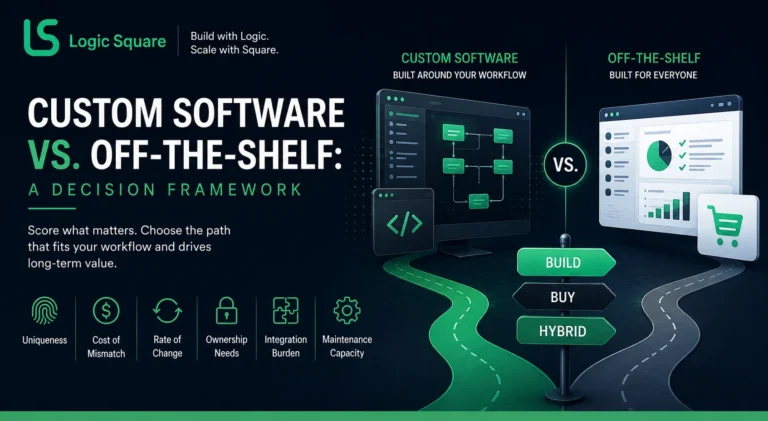
Build. Custom is justified when your operating model itself is the differentiation and every off the shelf tool forces the business to bend around someone else’s assumptions. At that point the workaround inventory you built earlier becomes the requirements document, grounded in how the business actually runs rather than how a demo imagines it. Our custom vs off-the-shelf guide walks the full decision honestly, including the cases where buying stays right.
The order matters because each step is cheaper and faster than the next, and because a custom build commissioned before consolidation just automates the sprawl. It also matters because projects scoped from real friction succeed at a very different rate than projects scoped from wish lists, a pattern we wrote up in why software projects fail before development.
A short decision checklist
Before you choose an exit, be able to answer these: Which single process hurts most, in hours per week? Is the pain in one tool, between tools, or in the absence of any tool? What would the people doing the workarounds change first? Is the process causing the pain stable enough to be worth encoding in software? And who inside the company owns this decision, with a budget attached? If that last one has no answer, no exit will get taken, and the workarounds will keep compounding quietly.
If your team is deep in spreadsheet workarounds and duplicate entry, book a strategy call. Bring your worst process. We will help you cost the friction and tell you which exit fits, including when the answer is consolidation and not us.
On this page+
FAQs
What are the signs a business has outgrown its software?
The reliable ones are operational: shadow spreadsheets beside official tools, the same data entered in two places, weekly manual exports, and one person who reconciles systems in their head. Feature gaps are debatable. Workarounds are evidence.
Should I replace software or build custom tools?
Try the cheaper exits first: consolidate an overlapping stack, then customize and integrate around a core tool that fits. Build custom when your operating model is genuinely your differentiation and every packaged tool forces the business to bend around it.
When is software modernization cheaper than replacement?
When the current system's data model still matches how the business runs and the pain is in aging technology or missing connections rather than wrong assumptions. If the model itself no longer matches reality, modernization polishes the wrong shape.
How do I cost what outgrown software is costing us?
Measure four things internally: hours of duplicate entry and manual transfer at loaded rates, errors traceable to re-keying, decisions delayed by slow reporting, and roles that exist mainly to move data. Annualize the total. That number, not a vendor's ROI claim, is the honest baseline.
Work with us