On this page
The Problem Is Not the Spreadsheet
Spreadsheets are arguably one of the best operational tools ever designed. They’re quick, affordable, flexible, and almost everyone has one.
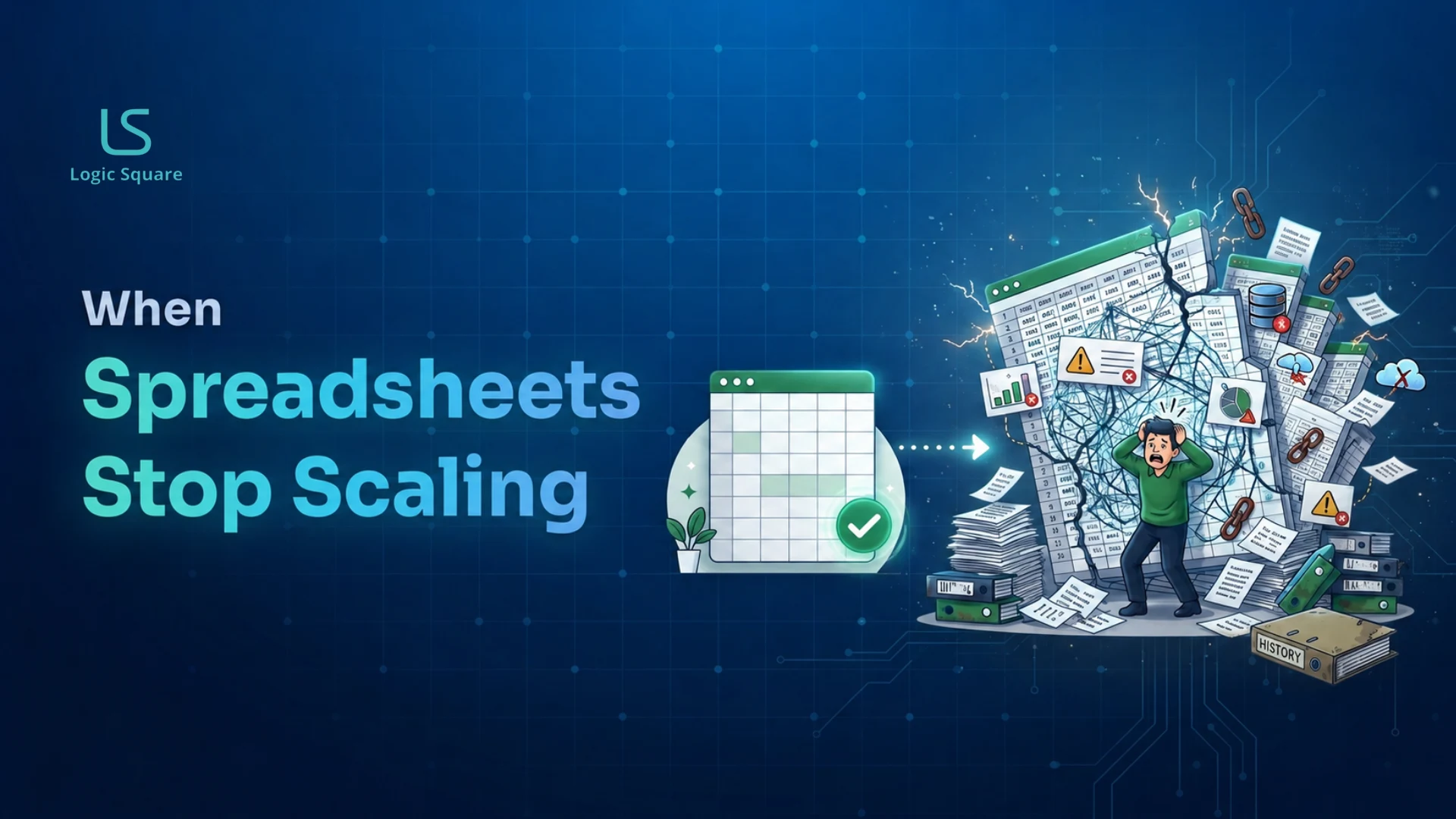
The problem first starts when the spreadsheet quietly transitions into operational infrastructure, taking on workflows, reporting, approvals, audit processes, forecasting, or compliance responsibilities that a large number of people rely on daily.
At that point, the spreadsheet is no longer a tool, it’s the system of record.
And most spreadsheets weren’t built for that.
How Spreadsheet Dependency Develops
In most organizations, spreadsheet dependency grows gradually.
A team creates a spreadsheet to solve a specific operational need:
- a staffing company tracking placements and recruiter performance
- a multi-campus education organization managing audits and evaluations
- an operations team monitoring field activity
- a finance department consolidating reporting manually
Initially, the spreadsheet works well.
Then additional tabs appear. More formulas are added. Teams duplicate files for different departments. Macros are introduced. Multiple spreadsheets begin feeding one another.
Over time, the spreadsheet evolves into a business-critical operational layer — despite lacking:
- access controls
- structured workflows
- auditability
- integrations
- concurrency management
- centralized reporting
The spreadsheet may still “work,” but operational friction steadily increases as the business scales.
The Five Signs You’ve Outgrown Your Spreadsheets
1. Reporting Takes Days Instead of Minutes
If answering basic operational questions requires manual reconciliation across multiple files, tabs, or departments, reporting complexity has outgrown the spreadsheet structure.
Common examples include:
- manually consolidating weekly reports
- exporting and cleaning data repeatedly
- rebuilding dashboards every month
- cross-checking inconsistent figures before leadership reviews
At this stage, reporting becomes operational overhead rather than decision support.
2. Teams Enter the Same Data Multiple Times
Duplicate data entry is usually a sign that systems are disconnected.
When employees repeatedly copy information between spreadsheets, CRMs, ERPs, HR tools, or internal trackers, the organization effectively turns people into the integration layer between systems.
This creates:
- avoidable labor costs
- higher error rates
- inconsistent reporting
- delayed decision-making
It also makes scaling operations significantly harder.
3. One Person Owns a Critical Spreadsheet
Many businesses eventually develop a spreadsheet that only one employee fully understands.
That file may control:
- reporting
- scheduling
- staffing allocation
- audit tracking
- forecasting
- operational workflows
This creates a major operational dependency.
If that employee leaves, becomes unavailable, or makes structural changes without documentation, business continuity risk increases immediately.
Operational systems should not depend on tribal knowledge.
4. Teams Stop Trusting the Numbers
Once multiple versions of spreadsheets begin circulating, trust in reporting starts to erode.
Typical warning signs include:
- different departments reporting different numbers
- employees maintaining “backup” spreadsheets
- manual verification before meetings
- confusion around which file is current
When this happens, the organization loses a reliable single source of truth.
Decision-making slows because teams spend more time validating data than acting on it.
5. Concurrent Work Starts Breaking the Process
Spreadsheets are not designed for high-concurrency operational environments.
As more users interact with the same files simultaneously, common issues appear:
- overwritten changes
- locked files
- broken formulas
- conflicting versions
- accidental deletions
At this point, the underlying challenge is no longer spreadsheet management.
It is a software architecture problem.
Common Spreadsheet Scaling Problems
| If you see… | It usually means… |
|---|---|
| Reporting takes days | Manual operations no longer scale |
| Duplicate data entry | Teams are compensating for disconnected systems |
| One employee owns a critical spreadsheet | There is a single point of operational dependency |
| Teams maintain side-spreadsheets | Trust in the system of record is declining |
| File conflicts and overwrites | The workflow has outgrown spreadsheet-based collaboration |
Why This Matters Operationally
Most spreadsheet failures are not dramatic system crashes.
The larger risk is operational drag:
- leadership waiting days for reporting
- inconsistent data across departments
- manual reconciliation work
- avoidable operational errors
- slower execution
- reduced scalability
Over time, organizations begin adapting processes around spreadsheet limitations instead of operational goals.
That creates a hidden ceiling on growth.
What Businesses Typically Do Next
Organizations usually take one of four paths when spreadsheet friction becomes operationally expensive:
1. Continue Expanding the Spreadsheet
This works temporarily but usually increases complexity, maintenance overhead, and risk over time.
2. Adopt Off-the-Shelf SaaS Tools
For standardized workflows, mature SaaS products can often solve the problem effectively and quickly.
Examples include:
- CRM platforms
- applicant tracking systems
- project management software
- finance and reporting tools
This is often the right choice when workflows are relatively standard.
3. Build Internal Operational Software
Custom software becomes valuable when:
- workflows are unique
- multiple systems must integrate together
- operations require role-based access and approvals
- reporting is business-critical
- teams need centralized operational visibility
In these cases, custom platforms eliminate the operational workarounds spreadsheets create.
4. Modernize in Phases
For most operationally complex businesses, phased modernization is the lowest-risk approach.
Instead of replacing everything at once, businesses:
- Identify the highest-friction workflow
- Replace that process first
- Validate adoption and operational improvements
- Expand incrementally over time
This reduces disruption while improving operational reliability step by step.
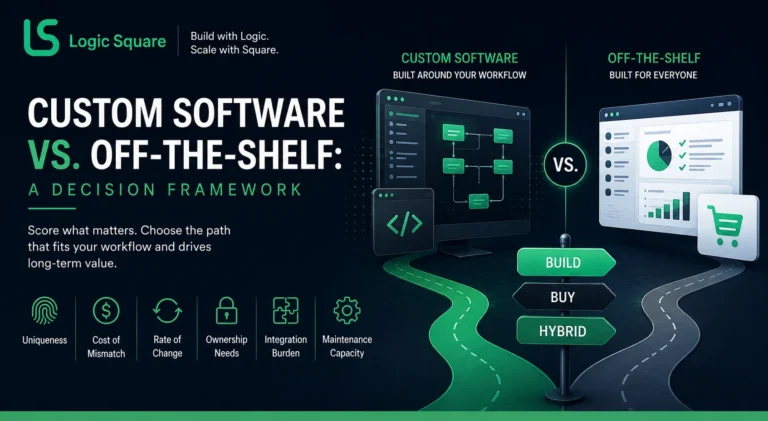
Build vs Buy: The Important Decision
Not every spreadsheet problem requires custom software.
In many cases, a mature off-the-shelf platform is the better investment.
The key question is whether the workflow is:
- a standardized operational process, or
- a core differentiator tied to how the business operates
If workarounds exist because tools cannot support processes, then custom software is often cheaper in the long run.
But the key is to deliberately make that decision before you invest too much in either direction.
Businesses evaluating operational modernization often struggle with whether to continue refining spreadsheets, adopt SaaS platforms, build custom software, or introduce AI-assisted workflows. Our detailed guide on build vs buy vs AI decision-making frameworks explains how to evaluate these options based on operational complexity, scalability, integration requirements, and long-term operational costs.
Frequently Asked Questions(FAQs)
1. When should a business stop using spreadsheets?
A business should move beyond spreadsheets when operational workflows become dependent on them and teams begin experiencing reporting delays, duplicate data entry, version conflicts, or trust issues with reporting.
2. Are large spreadsheets always a problem?
No. Many large spreadsheets function effectively for years.
The issue is not spreadsheet size. The issue is operational dependency — when critical workflows, reporting, and collaboration rely on spreadsheets beyond their intended purpose.
3. Should businesses replace everything at once?
Usually no.
A phased modernization strategy is typically lower risk and easier operationally than a full replacement project.
Most successful transitions begin with a single high-friction workflow and expand gradually.
4. When does custom software make sense?
Custom software typically makes sense when:
- workflows are operationally unique
- multiple systems need integration
- manual processes are slowing growth
- reporting accuracy is critical
- teams need centralized visibility and automation
5. What happens if businesses wait too long?
The biggest risk is usually not failure — it is operational inefficiency accumulating over time.
Businesses lose:
- reporting speed
- operational visibility
- scalability
- process consistency
- decision-making confidence
Eventually, teams spend more time managing spreadsheets than improving operations.
Evaluating Whether Your Operations Have Outgrown Spreadsheets?
Logic Square Technologies helps operationally complex businesses modernize spreadsheet-heavy workflows with phased software development, system integration, and the operational platform to scale.
Sometimes the answer is building custom software. Sometimes the answer is buying the right off-the-shelf platform.
Our approach is data-driven, we find the lowest risk, highest impact path forward for your business without out-of-order day-to-day operations.
Veteran-led. Building production software since 2012.
Work with us