On this page+
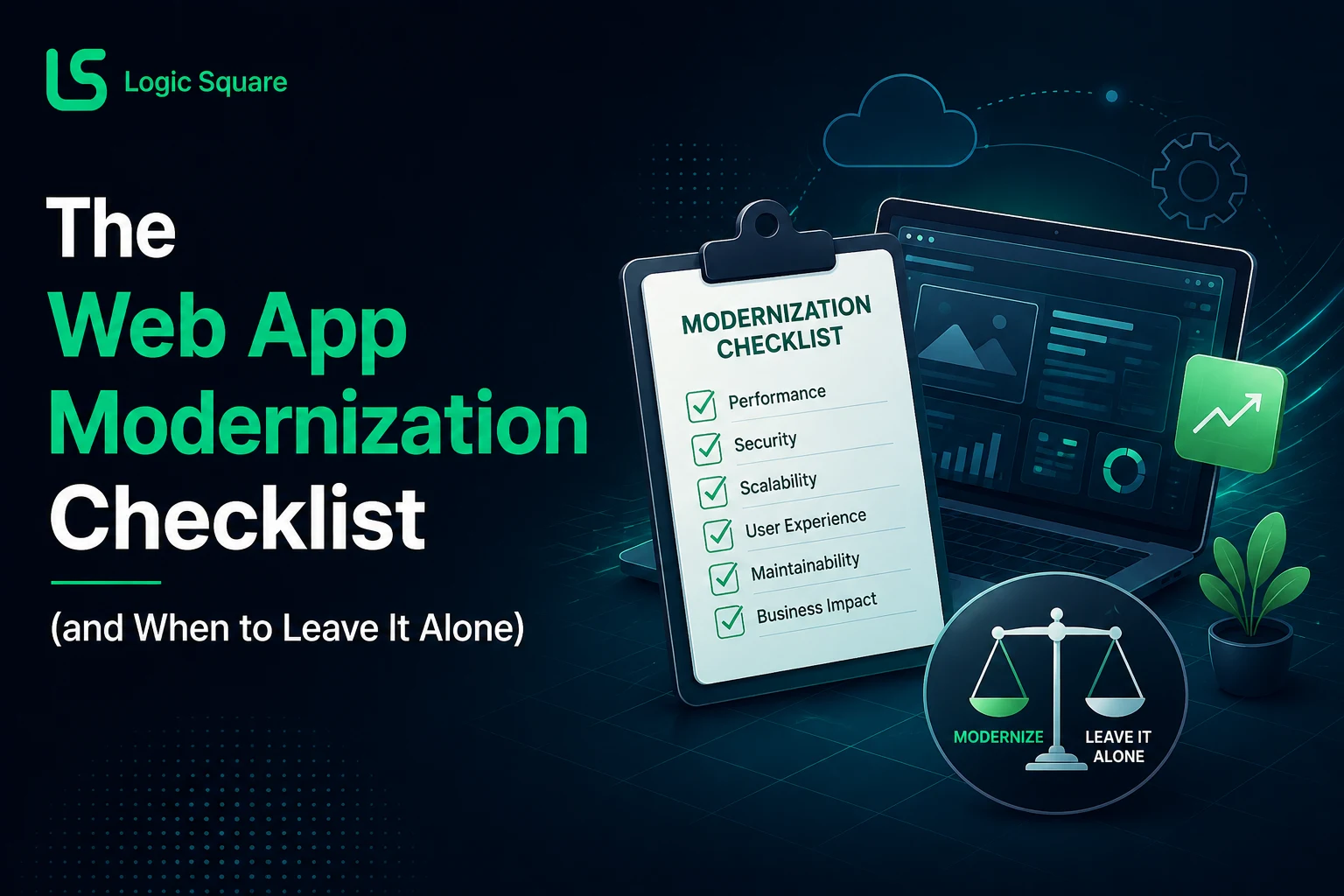
The Web App Modernization Checklist (and When to Leave It Alone)
Quick answer: Before any legacy application modernization decision, answer one question: what is actually broken, and what is merely old? Old is not, by itself, a reason to rebuild. Most systems we assess need targeted fixes, some need staged modernization, some need replacement, and some should be left alone. Here is the checklist we actually run.A successful modernization plan must also account for what happens after launch, because ongoing maintenance keeps the updated application secure, reliable and aligned with changing business needs.
Who this is for
Operators and CTOs with an aging web application and a vendor telling them it all has to go.
Week one: establish the cost and risk of change
We first determine whether the existing system is actually the problem. The assessment covers the codebase, deployment architecture, database, integrations, hosting, dependencies, error logs, and the workflows the business actually depends on. And one deceptively simple probe: how difficult are small changes? A system where a minor update is routine is a very different patient from one where every touch feels dangerous.
Should I modernize or rewrite my legacy application?
What the first-week findings mean:
Modernize when the architecture is modular, the database and APIs are healthy, deployments are manageable, and the product works reliably. You’re improving a living system, usually incrementally.
Rewrite or replace when business logic is tightly coupled, the backend is obsolete, deployments are fragile, and critical functionality is unsafe to modify. You’re not improving at that point; you’re gambling.
Leave it alone when the system is stable, understood, adequately secure, and inexpensive to maintain, and the rewrite conversation is driven mainly by technology age. “It’s old” isn’t, by itself, a reason to rebuild. We will tell you that even though rebuilds are what we sell, because the alternative is charging you to replace something that was fine.
The cheap fixes that masquerade as rebuild cases
The most common assessment finding is architectural mess mistaken for architectural failure. Slow pages usually trace to inefficient database queries, excessive API calls, poor caching, or oversized frontend bundles, not to a fundamentally broken architecture. The unglamorous fix list that resolves a surprising share of “we need a rebuild” conversations: dependency upgrades, consolidating duplicate components, database indexes, bundle and image optimization, API caching, CI/CD improvements, monitoring and error tracking, accessibility fixes in shared components, and correcting the routing and metadata issues quietly hurting SEO.
None of that is exciting. Much of it can be dramatically cheaper than a rewrite.
The web application modernization checklist
Work through these in order; stop when you have your answer.
- List the workflows the business cannot operate without. Everything else is negotiable.
- Measure change difficulty: how long did the last five small changes take, and what broke?
- Read the error logs for a month. Recurring errors are the map.
- Audit dependencies: what’s unsupported, what’s merely unfashionable?
- Check the database before blaming the architecture: queries, indexes, growth.
- Price the do-nothing option honestly: current maintenance cost plus real risk, not fear.
- Isolate: can problem areas be modernized without touching what works?
- Only now: modernize, rewrite, or leave alone.
How much does legacy application modernization cost?
There isn’t a meaningful universal number, and we won’t invent one. The cost depends on whether problem areas can be isolated and modernized in stages or the core architecture needs replacing, which is exactly what the first-week assessment establishes. What we can say from experience: the checklist’s cheap-fix tier costs a fraction of a rewrite, and finding out you’re in that tier is the highest-return week you can buy.
Where AI analysis helps, and where it’s oversold
AI-assisted code analysis genuinely accelerated our own work on a legacy codebase: faster investigation, less manual code archaeology, gaps surfaced that individual feature reviews missed. What it cannot do is what some vendors imply: decide with certainty whether to rewrite, automatically fix architecture, or guarantee production readiness. Legacy systems carry business rules and dependencies that are not visible in the code. Engineers still validate findings and weigh business risk, and any vendor skipping that step is selling velocity, not judgment.
FAQs
How long does a modernization assessment take?
The first-week pass above establishes the decision. Deep migration planning follows only if the decision warrants it.
Our system is 12 years old. Rebuild?
Age alone says nothing. Run the checklist; a stable, cheap-to-maintain 12-year-old system may outrank your other priorities for years.
Can we modernize a legacy application incrementally?
Usually yes, and it's often the right call: isolate the problem areas, fix them in stages, leave the healthy majority alone.
If your assessment shows that the system should be improved rather than completely replaced, explore how we modernize legacy systems in phases without relying on a high-risk, full-system rewrite.
Want the assessment run on your system? Send us access or even just a description, and we’ll tell you which of the three doors we’d pick and why
Work with us