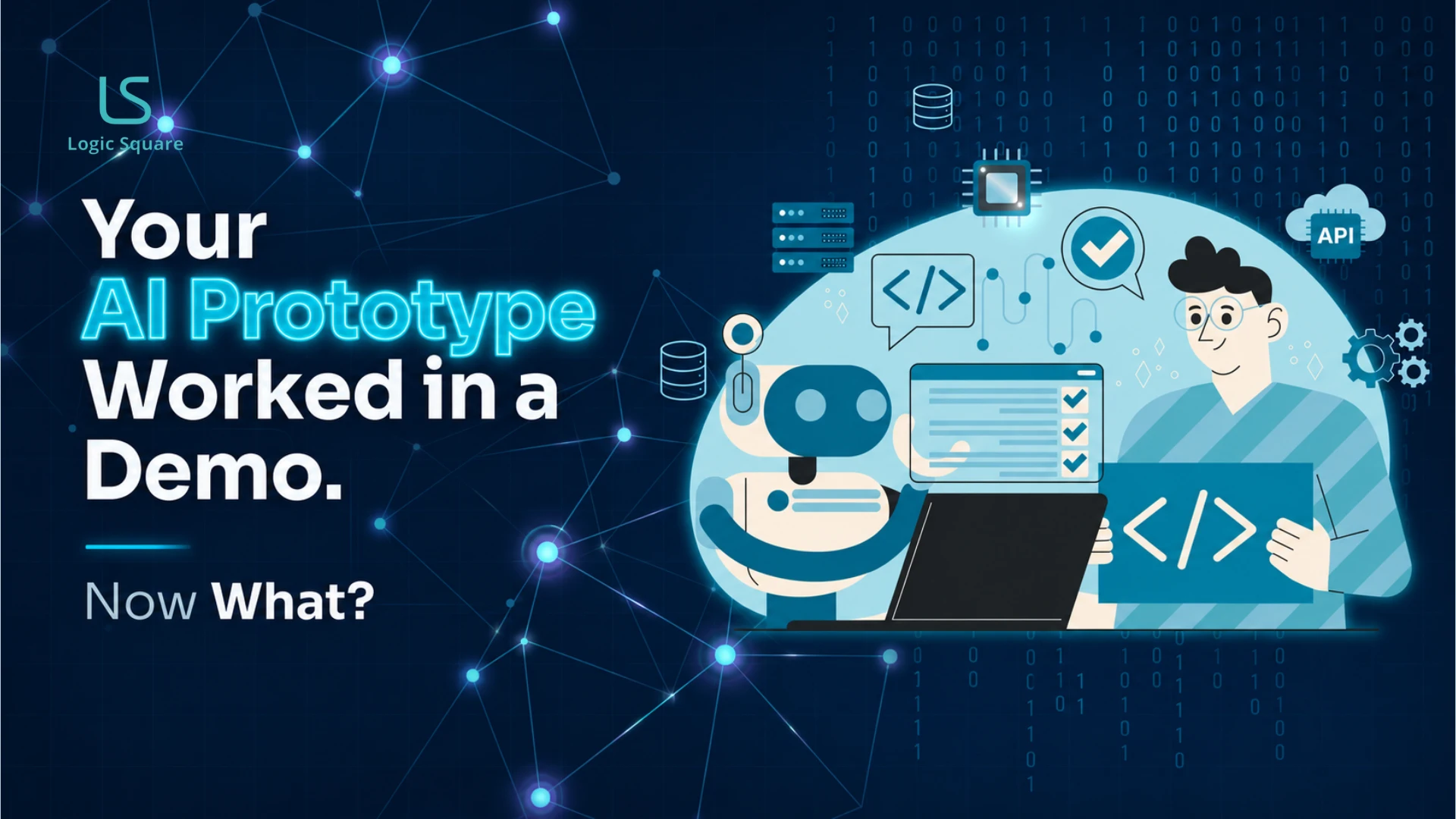
AI prototypes are real good. These tools are whom we use every day, and it is a serious step forward. The demo conceals the engineering work that turns something spectacular into something sustainable , and that is the part this article is about, because nobody’s going to see it until it fails.
The prototype is generally around 20% of the work, the easiest 20%. At the most 20% of the demo explains what makes the rest of the 80% hard: engineering judgment, architecture, testing, security reviews and operational discipline.
In this article, you’ll learn what that gap actually contains, why it’s so hard for most AI-generated prototypes to work in production, and how you can get from a solid demo to reliable software without having to start from scratch.
Right now, this pattern is playing out across companies everywhere. Someone often outside a formal engineering team uses AI tools to build a functioning prototype over a weekend. The demo works. Stakeholders get excited. The product appears close to launch.
Then production realities begin to surface.
Real users behave unpredictably. Data becomes inconsistent. Integrations fail under edge cases. Performance changes under scale. Security concerns emerge. What initially looked finished turns out to be an early version of a much larger engineering effort.
AI-assisted prototyping is truly valuable. We use these tools too, and they truly represent a paradigm shift in how software gets off the ground. However, the demo often obscures the engineering effort required to get the software good enough to be dependable in production environments, and it is that obscured layer that sets the stage for most long-term successes or failures.
The prototype is the easy 20%. Production is the other 80%, and AI doesn’t remove it.
On this page
Why the demo lies (without meaning to)
A demo is a controlled environment. One user, who knows exactly what to click, on good data, with no one trying to break it. Production is the opposite: many users doing things you didn’t anticipate, on messy real-world data, at volumes that stress the system, with at least some people probing for weaknesses. The demo doesn’t lie on purpose. It just only ever shows you the happy path.
The industry is now seeing this at scale. Security researchers through 2026 have documented a sharp rise in vulnerabilities in AI-generated applications that were pushed to production without review — exposed credentials, leaked personal data, and injection flaws in apps that real people were actively using. The speed that helps you at the start is exactly what hurts you later, because it trains teams to skip the verification steps that matter once the software is real.
A quick production-readiness check
Before putting a prototype in front of real users, these are the questions worth answering honestly. If most of them are still unresolved, the prototype probably is not production-ready yet and that is completely normal. Answering these questions is part of the real engineering work.
| Before you ship, ask | Why it matters |
|---|---|
| Does it hold up under real load? | A demo supports one user. Production supports everyone simultaneously. |
| Is authentication and access control properly implemented? | Prototypes assume trusted users. Production systems cannot. |
| Are secrets and credentials handled securely? | Fast-built applications frequently expose keys and tokens unintentionally. |
| Does it tolerate messy real-world data? | Demo environments use clean datasets. Production rarely does. |
| Does it integrate reliably with existing systems? | A standalone prototype is very different from an operational business system. |
| Can a human engineering team safely maintain it later? | Inconsistent code structures become fragile over time. |
What the gap actually contains
When we take a functioning prototype and help turn it into production software, this is the work that usually sits between the two. None of it is particularly visible during a demo, but all of it determines whether the software survives long term.
Reliability under real load
A prototype may perform perfectly for a single user in a controlled session. Production software must perform consistently under simultaneous usage, traffic spikes, unstable network conditions, and unexpected failure scenarios.
That requires engineering for scalability, resilience, monitoring, failover behavior, recovery processes, and operational stability, areas that demos rarely exercise.
A structured AI DevOps process for vibe-coded apps helps address these gaps through code auditing, security hardening, automated testing, CI/CD, and production monitoring.
Security that assumes someone is trying
Prototype environments often assume cooperative users. Production systems cannot.
Authentication, authorization, permission models, secure secret handling, input validation, session management, audit logging, and protection of sensitive business data all become critical once software reaches real users.
These are also the areas where fast-generated AI applications most commonly fail when pushed into production too early.
Data integrity over time
Demo environments typically operate on curated sample datasets. Real production systems accumulate inconsistent, incomplete, duplicated, and unexpected data over years of usage.
Production-ready software must preserve integrity even when records are malformed, fields are missing, systems disagree, or workflows fail halfway through execution.
Without that discipline, small data issues compound into operational problems very quickly.
Integration with the systems you already run
Most prototypes operate independently. Real businesses do not.
Production software has to integrate reliably with CRMs, ERPs, accounting platforms, communication systems, identity providers, reporting infrastructure, internal APIs, and legacy workflows already embedded in the business.
In many cases, the most difficult engineering work is not building the interface users see — it is making the system behave reliably inside the operational environment that already exists.
Maintainability so it can change without breaking.
This is often the most underestimated problem.
AI-generated code frequently introduces inconsistent patterns across the same project. Similar problems may be solved in entirely different ways across different modules, making the codebase difficult for human teams to extend safely over time.
The result is increasing fragility: every future change carries more risk than the last.
Good production software should become easier to evolve as it matures, not harder. Achieving that requires deliberate engineering structure, architectural consistency, documentation, testing discipline, and long-term maintainability decisions from the beginning.
Good software should get easier to maintain over time, not harder.
How we actually do it (and where AI genuinely helps)
The good news is that most AI-generated prototypes do not need to be discarded.
The prototype usually captures something valuable: the workflow, the business logic, the user interaction model, or the core operational idea people responded to. The goal is not to throw that away. The goal is to harden it into something dependable.
AI also remains part of that process when used correctly.
Inside our own production systems, we use AI in very practical ways: generating summaries so users can quickly understand project activity, improving candidate matching inside recruitment workflows, surfacing related information through semantic search, and enabling voice-driven interactions that reduce friction for field users.
Our AI business solutions focus on applying these capabilities to real workflows where they can reduce manual work, improve decisions, and deliver measurable operational value.
The pattern is important.
AI helps accelerate workflows, improve usability, and reduce operational friction. But it does not replace architectural judgment, security design, integration planning, reliability engineering, or long-term maintainability decisions.
Those responsibilities still belong to experienced engineering teams and they are exactly what separate a working prototype from production software.
Frequently asked questions (FAQs)
Do we have to start over if we built a prototype with AI?
Usually not. The prototype captured the idea and the workflow, which is valuable. The work is to harden it for production — reliability, security, data integrity, integration, maintainability — not to discard it. We assess what’s salvageable and build from there.
How do we know if our prototype is safe to put in front of real users?
If it hasn’t been reviewed for authentication, access control, input handling, and how it behaves under load and failure, assume it isn’t ready. Those are the areas the 2026 security research keeps finding exposed in fast-built apps.
Does using AI mean the code is lower quality?
Not inherently — but AI-generated code is often inconsistent, which makes it harder to maintain unless someone imposes structure. Used with engineering judgment, AI raises productivity. Used without review, it accumulates debt fast.
How do we know whether our prototype is salvageable?
We look at the architecture, how data and authentication are handled, how maintainable the code is, and how tightly it’s coupled to assumptions that won’t survive production. Some prototypes need hardening, some need partial rebuilds, and very few need starting from zero. We’ll tell you honestly which.
Can you take over a prototype someone else built?
Yes. We regularly assess a working prototype, tell you what holds up and what doesn’t, and either harden what exists or rebuild the parts that won’t survive production.
Turn AI Prototypes Into Production-Ready Software
A working demo is a good starting point. Production-ready software is a different engineering challenge entirely.
At Logic Square Technologies, we help businesses evaluate what survives real-world usage, what breaks under scale, and what needs to be rebuilt intentionally — then turn AI-generated prototypes into secure, maintainable, production-ready systems.
From architecture and integrations to security, reliability, and long-term maintainability, we focus on the engineering work required after the demo succeeds.
Founder-led engineering team. Building software for operationally complex businesses since 2012.
Work with us