In the digital age, convenience drives customer decisions. Whether you’re running a local café, boutique, or restaurant, having an online ordering system isn’t just an upgrade; it’s a necessity. Consumers expect businesses to be accessible online, with quick, smooth, and user-friendly options for ordering products or services.
Setting up an online ordering system can seem overwhelming at first, especially for small business owners juggling multiple roles. But with the right guidance, you can create a seamless system that boosts sales, builds loyalty, and streamlines operations.In this guide, we’ll walk you through everything you need to know about setting up an online ordering system for small businesses, from choosing the right platform to launching it successfully.
Table of Contents
ToggleWhat is an Online Ordering System?
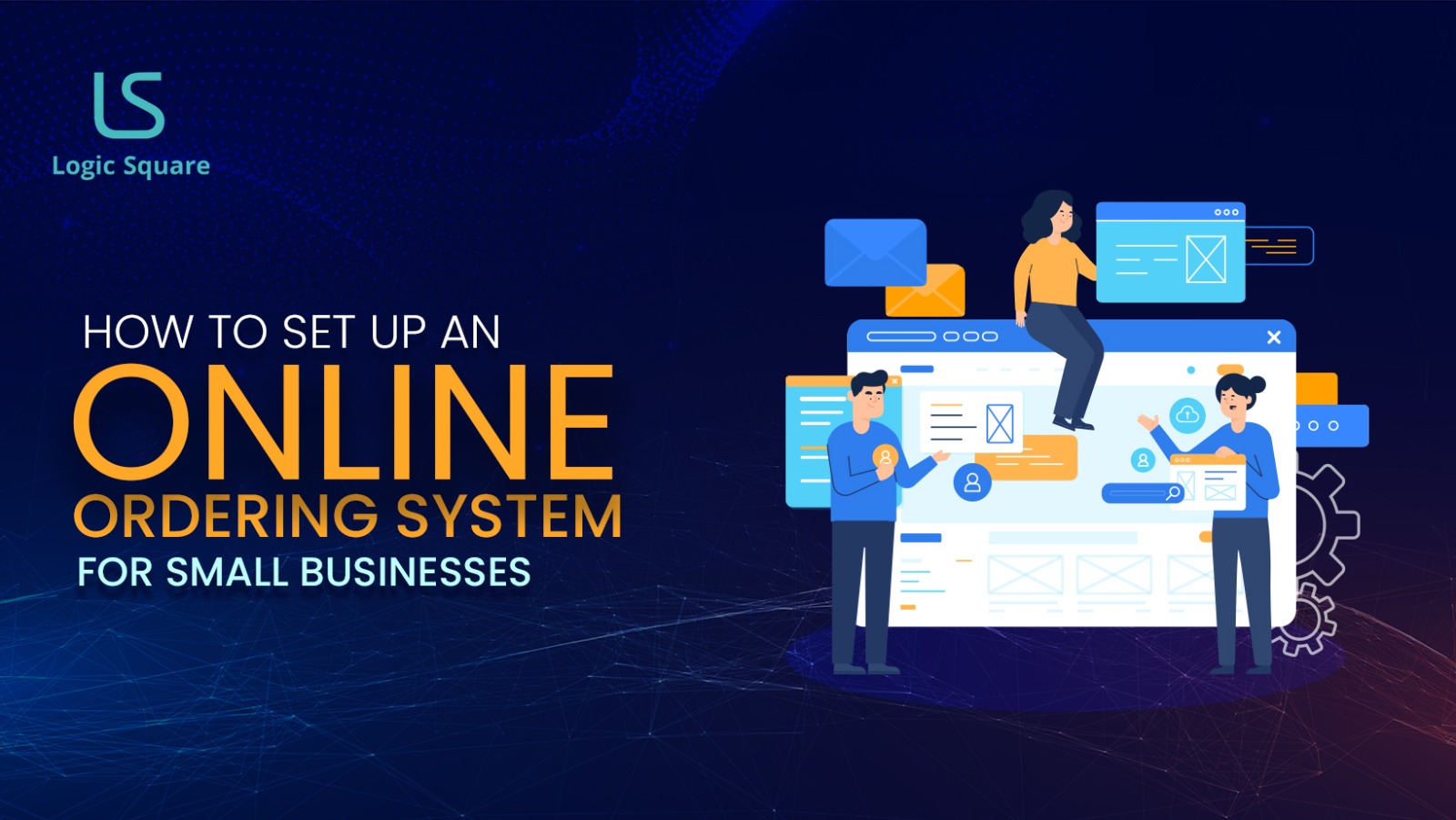
An online ordering system allows customers to browse your menu or catalog, customize their order, make payments, and select delivery or pickup options, all from their phone or computer. Behind the scenes, the system notifies your team, processes payments, and keeps order data organized.
You can use a website, a mobile app, or even integrate directly with social media or Google Search. Some systems are simple, while others come with added features like loyalty programs, inventory management, and analytics dashboards.
Why Your Small Business Needs One
An online ordering system is no longer optional-it directly impacts your revenue, customer satisfaction, and long-term business growth. Here’s why it matter:-
1. Customers Expect Convenience
Today’s consumer values speed and simplicity. If you’re not offering online ordering, you’re likely missing out on a large portion of potential sales. People want to place an order with a few taps or clicks, no phone calls, no waiting in line.
2. More Sales, Higher Order Values
Online ordering systems often lead to higher average ticket sizes. With visual menus and automated suggestions (think “Add a drink?”), it’s easier to upsell without feeling pushy.
3. Fewer Mistakes, Less Stress
Orders placed online eliminate the risk of miscommunication over the phone. Plus, you can manage everything digitally, no more messy hand-written notes or lost slips.
4. Competitive Edge
If your competitors have online ordering and you don’t, you’re already at a disadvantage. Conversely, offering a user-friendly ordering experience can help you stand out.
5. Better Customer Retention
With features like saved addresses, order history, and loyalty programs, you’ll encourage repeat business and make customers’ lives easier.
Types of Online Ordering Systems
Before jumping into setup, it's important to understand your options. Each type of system has its pros and cons.
1. Third-Party Platforms
These include apps like DoorDash, Uber Eats, or Postmates. You get instant exposure to a large user base, but at a cost, typically 20–30% of each order. You also have limited control over customer experience and branding.
2. SaaS (Software-as-a-Service) Solutions
SaaS tools like Square Online or Toast provide ready-to-use platforms with monthly fees. These systems are fast to launch and easy to manage, perfect for small businesses that want a streamlined approach. Customization is limited, but setup is often intuitive.
3. Custom-Built Systems
If you want full control and unique features, a custom ordering system is the way to go. Built from the ground up through custom mobile app development, this option gives you a branded, flexible solution tailored to your operations. It’s more of an investment, but the long-term payoff can be significant.
4. White-Label Platforms
White-label services offer pre-built solutions that can be branded with your name and logo. These fall between SaaS and custom systems, offering decent flexibility without starting from scratch.
How to Choose the Right Online Ordering System for Your Small Business
Your choice will depend on your budget, goals, and how hands-on you want to be.
- Budget: SaaS and white-label solutions are budget-friendly for startups. Custom systems require a bigger upfront investment but provide more ROI in the long run.
- Features: Do you need delivery support, loyalty programs, or third-party integrations? Choose a system that fits your needs now and can grow with you.
- Ease of Use: Your team should be able to handle the backend with minimal training, and customers should find it effortless to place orders.
- Mobile Optimization: A majority of online orders are placed via smartphones. Make sure the system is mobile-responsive or offers a dedicated mobile app.
- Support & Maintenance: Look for vendors or developers who offer ongoing support in case of issues or upgrades.
Step-by-Step: Setting Up Your Online Ordering System
Here’s a clear roadmap for getting your system up and running smoothly.
1. Plan Your Offering
- Decide which products or services you want to sell online.
- Consider how you’ll handle delivery, pickup, and returns.
- Determine your operating hours and service zones.
2. Choose Your Platform
- Compare SaaS tools, third-party services, or get in touch with a developer if going custom.
- Think about short-term needs and long-term scalability.
3. Build Your Menu or Product Catalog
- Use high-quality photos and clear descriptions.
- Group items into logical categories.
- Allow for customization (e.g., size, add-ons, toppings).
4. Set Up Payment Options
- Integrate payment gateways like Stripe or PayPal.
- Enable fast options like Apple Pay or Google Pay.
- Ensure your setup is PCI compliant for secure transactions.
5. Connect to Delivery or Pickup
- Use built-in delivery features or integrate with courier services.
- Offer curbside or scheduled pickup if delivery isn’t available.
6. Integrate With Other Tools
- Sync with your POS system, inventory tracking, and marketing tools.
- Set up automated emails and order status notifications.
7. Test Everything
- Place several test orders to check for bugs.
- Ensure the user experience is smooth from selection to payment to confirmation.
8. Train Your Team
- Teach staff how to use the backend dashboard.
- Set protocols for managing online orders and responding to inquiries.
9. Promote Your New System
- Announce it on social media, in-store, and through email newsletters.
- Offer special promotions to drive initial usage.
- Make sure signage, QR codes, and links are everywhere your customers look.
Common Mistakes to Avoid
- Overcomplicating the system: Keep it simple to start. Too many features can confuse staff and users.
- Ignoring mobile users: Your site or app must be optimized for phones.
- Not testing: Bugs and errors at launch will frustrate customers.
- Inconsistent updates: Keep your menu, pricing, and availability accurate.
- Lack of training: Make sure staff know exactly how to manage the platform and troubleshoot.
Cost Breakdown: What to Expect
Here’s a rough idea of potential costs:
- SaaS Platforms: $20–$100/month
- Third-Party Commissions: 10–30% per order
- Custom Development: $5,000–$25,000+
- Payment Processing Fees: Around 2.9% + $0.30 per transaction
- Maintenance & Hosting: Varies depending on the system
Real Results in Action
Small businesses across industries are already benefiting from going digital:
- A neighborhood café increased average order value by 30% after launching a mobile ordering app.
- A bakery used pre-orders during holidays to reduce rush-hour chaos and sell out more efficiently.
- A boutique clothing store used its online system to offer click-and-collect, driving more in-store visits.
The benefits are clear: when ordering becomes easy, your customers are more likely to stick around.
Final Thoughts
The shift toward digital ordering is not just a trend-it’s a fundamental change in how customers shop, eat, and interact with businesses. Whether you’re just starting out or looking to scale, an online ordering system is a smart, strategic investment.
From reducing operational stress to growing revenue and enhancing loyalty, the value it brings far outweighs the initial setup time or cost.
Ready to Build the Ordering Experience Your Customers Deserve?
If you’re serious about growing your business, improving customer satisfaction, and creating a competitive edge, it’s time to explore your options.
Partnering with a skilled software development company like LogicSquare Technologies can help you launch a fully branded, powerful, and scalable solution that aligns with your goals. Whether you need a complete platform or are just starting with custom mobile app development, we can help you bring your vision to life.
Let’s build something better, starting today. Contact us now to get started.