On this page+
Modernize, Replace, or Leave It Alone: How to Decide About an Aging System
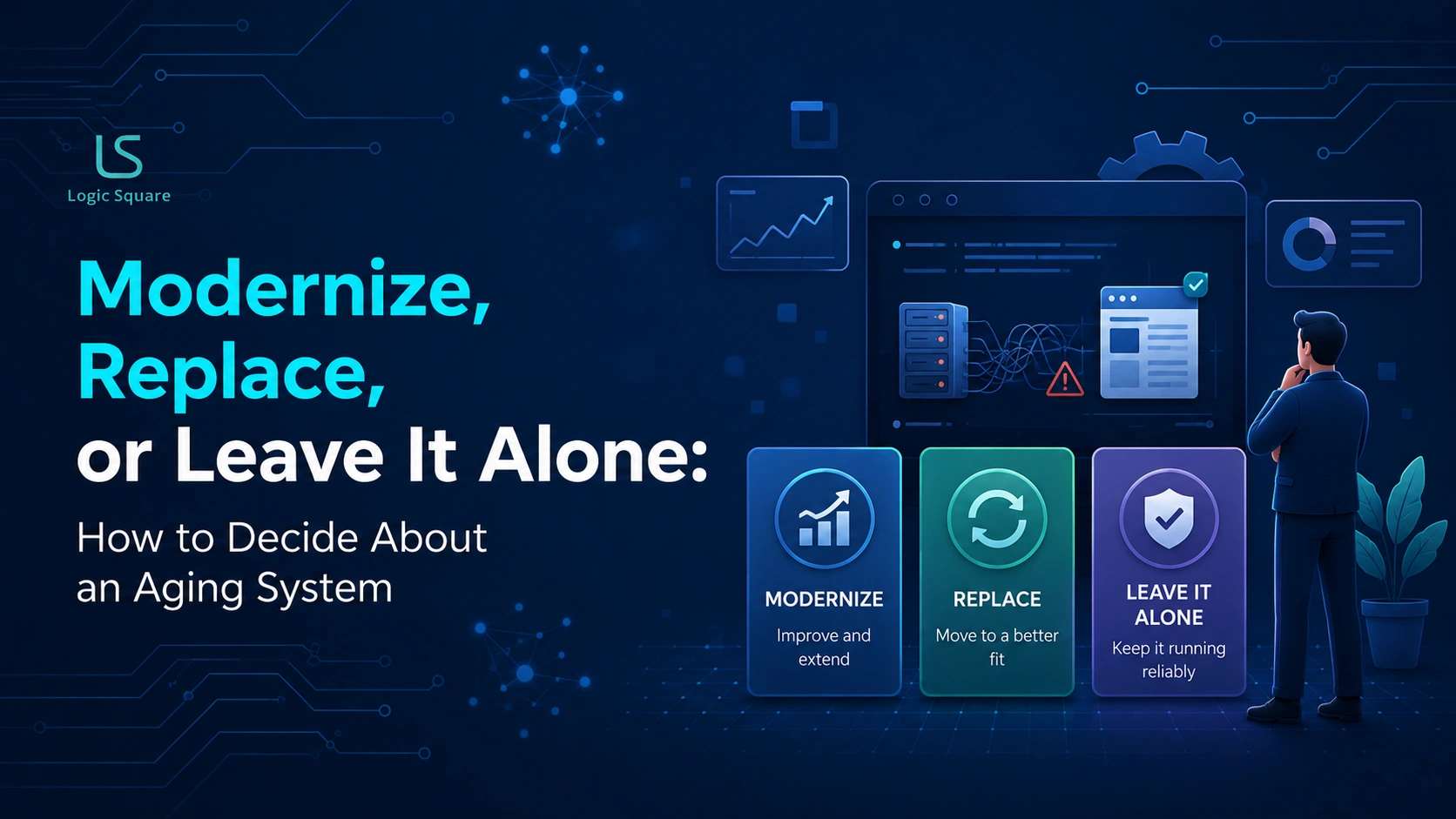
When a software system is aging, there are three honest options: modernize it in place, replace it entirely, or deliberately leave it alone. The right choice depends on whether the system still supports the business, how much friction and risk it creates, and how critical it is to daily operations.
After building and modernizing production systems since 2012, we have seen companies make the same costly mistake repeatedly: treating “it’s old” as a reason to replace it. Age alone is not a diagnosis. Some older systems are reliable, well-understood, and worth keeping, while some newer systems create more problems than they solve. The real question is whether the system is still serving the business — or quietly becoming a limitation
Option 1: Leave it alone
The most underrated option, and often the right one. If a system still does its job, is reasonably reliable, and isn’t actively costing you much in friction or risk, the fact that it’s old is not in itself a reason to touch it. Replacing a working system is expensive, risky, and disruptive — and a surprising number of modernization projects fail precisely because they were replacing something that didn’t need replacing. Boring and working beats new and risky more often than people admit.
Leave it alone when:
- It still does its job and is reasonably reliable.
- The friction and risk it creates are low.
- It isn’t blocking anything important you’re trying to do.
- The only real complaint is that it’s old.
A concrete case: a back-office accounting or records system that’s a decade old, a little dated to look at, but reliable, well-understood, and quietly doing its job every day. There’s a real temptation to replace it just because it’s old — and almost always, the money is better spent elsewhere until the system actually starts costing you something. Age is not friction.Leaving a stable system alone does not mean neglecting it. Keeping an existing system properly maintained through updates, security checks and performance monitoring can extend its useful life without the cost and risk of replacement.
A worked example: A company once came to us with budget approved to rebuild its aging internal system. We told them not to. When we traced where the pain came from, almost none of it sat in the core system. It sat in slow reporting, two integrations that broke constantly, and one high-traffic screen that fought the people using it. So we fixed those three things instead: a fraction of the cost and the time, and none of the migration risk. Eighteen months later the system was still running and the friction was gone.
Option 2: Modernize it in place
The middle path, and often the smartest. Modernizing means improving the system without tearing it down — upgrading the parts that hurt, connecting it to things it couldn’t talk to, shoring up reliability or security, moving the highest-friction piece first while the rest keeps running. This is right when the system’s core is still sound but specific parts have become a problem. It’s lower-risk than a full replacement because the business keeps operating throughout, and it lets you spend money exactly where the pain is rather than rebuilding things that were fine.
Modernize when:
- The core still works, but specific parts have become painful.
- The friction is real but localized — reporting, an integration, one slow workflow.
- A full replacement would be disruptive out of proportion to the problem.
- You can move the worst part first and prove it before going further.
Once you have decided to take this path, use a checklist for modernising a web app to assess the system, prioritize the highest-risk areas and plan the work in phases.
Most of what gets called “modernization” should be phased like this — highest-pain part first, proven in real use, then expand. In practice it usually takes one of a few concrete forms: targeted refactoring of the worst code, adding integrations the system was missing, improving reliability or security, or replacing one painful piece while the rest keeps running. The big-bang replacement is where most of the risk and cost live.
If you’ve seen the industry frameworks, this maps onto their vocabulary cleanly: “modernize” here usually means refactor or replatform, “replace” is closer to rebuild or retire, and “leave it alone” is what they call retain. The three-way framing is just the same decision in plainer language.Explore our software decision frameworks for more structured ways to evaluate modernization, replacement and other software investment decisions.
Option 3: Replace it entirely
The most expensive and disruptive option, justified when the system is genuinely past saving. Replacement makes sense when the core itself is the problem, not one part, but the foundation: when it can’t do what the business now needs, when modernizing it would cost more than starting over, when it’s a security or reliability liability that can’t be patched, or when it depends on technology or people that are no longer available. Replacement is the right call sometimes. It’s just the answer that should be reached last, after modernizing and leaving-alone have been honestly ruled out.
Replace when:
- The core, not just a part, can no longer do what the business needs.
- Modernizing would cost more than replacing.
- It’s a reliability or security liability that can’t be patched.
- It depends on technology or knowledge that’s no longer available.
The decision, side by side
If… | Then… |
|---|---|
It works, low friction, only complaint is age | Leave it alone |
Core is sound, specific parts hurt | Modernize phased, worst part first |
A full rebuild is out of proportion to the problem | Modernize |
The core itself can no longer do the job | Replace |
Modernizing costs more than starting over | Replace |
It’s an unpatchable security/reliability liability | Replace |
The mistake to avoid
The expensive error runs in both directions. Some companies replace a system that only needed a targeted fix, paying for a risky rebuild they didn’t need. Others cling to a system that’s genuinely past saving, pouring money into patching something that should have been replaced years ago. The discipline is to diagnose honestly before deciding — to separate “this is old” from “this is actually failing,” and to separate “one part hurts” from “the whole foundation is gone.” Most of the time, the honest diagnosis points to modernizing one part or leaving the rest alone, not to the full replacement people assume they need.
The expensive error runs both ways: replacing what only needed a fix, or patching what should have been replaced.
Frequently asked questions (FAQs)
Should we replace our system just because it’s old?
No. Age alone isn’t a reason. The question is whether it still does its job, how much friction and risk it creates, and how central it is. Many old systems work fine and should be left alone; the cost and risk of replacing a working system are real, and unnecessary replacement is a common, expensive mistake.
What’s the difference between modernizing and replacing?
Modernizing improves the system without tearing it down — fixing the painful parts, adding integrations, shoring up reliability, usually in phases. Replacing rebuilds it from the ground up. Modernize when the core is sound but parts hurt; replace only when the foundation itself can no longer do the job.
How do we know if a system is past saving?
When the core not just one part, can no longer do what the business needs, when modernizing would cost more than starting over, when it’s an unpatchable security or reliability liability, or when it depends on technology or people no longer available. If only specific parts hurt, it’s a modernization candidate, not a replacement.
Isn’t leaving an old system alone just delaying the problem?
Not if the system genuinely still does its job at low friction and risk. “Boring and working” is a legitimate state, and money spent replacing it is money not spent on something that would actually move the business. Leave it alone until it’s creating real cost then modernize the part that does.
Not sure whether to modernize, replace, or leave a system alone?
At Logic Square, we start by diagnosing what’s actually wrong before recommending any path forward. Sometimes the right answer is a targeted modernization. Sometimes it’s replacing the system. And sometimes it’s leaving a reliable system alone. We have spent more than a decade building and modernizing production software for businesses where reliability matters, so our recommendations start with evidence—not a predetermined rebuild.
Work with us